Find the point
Decide what you believe, why it matters and what should change in the viewer’s mind by the end.
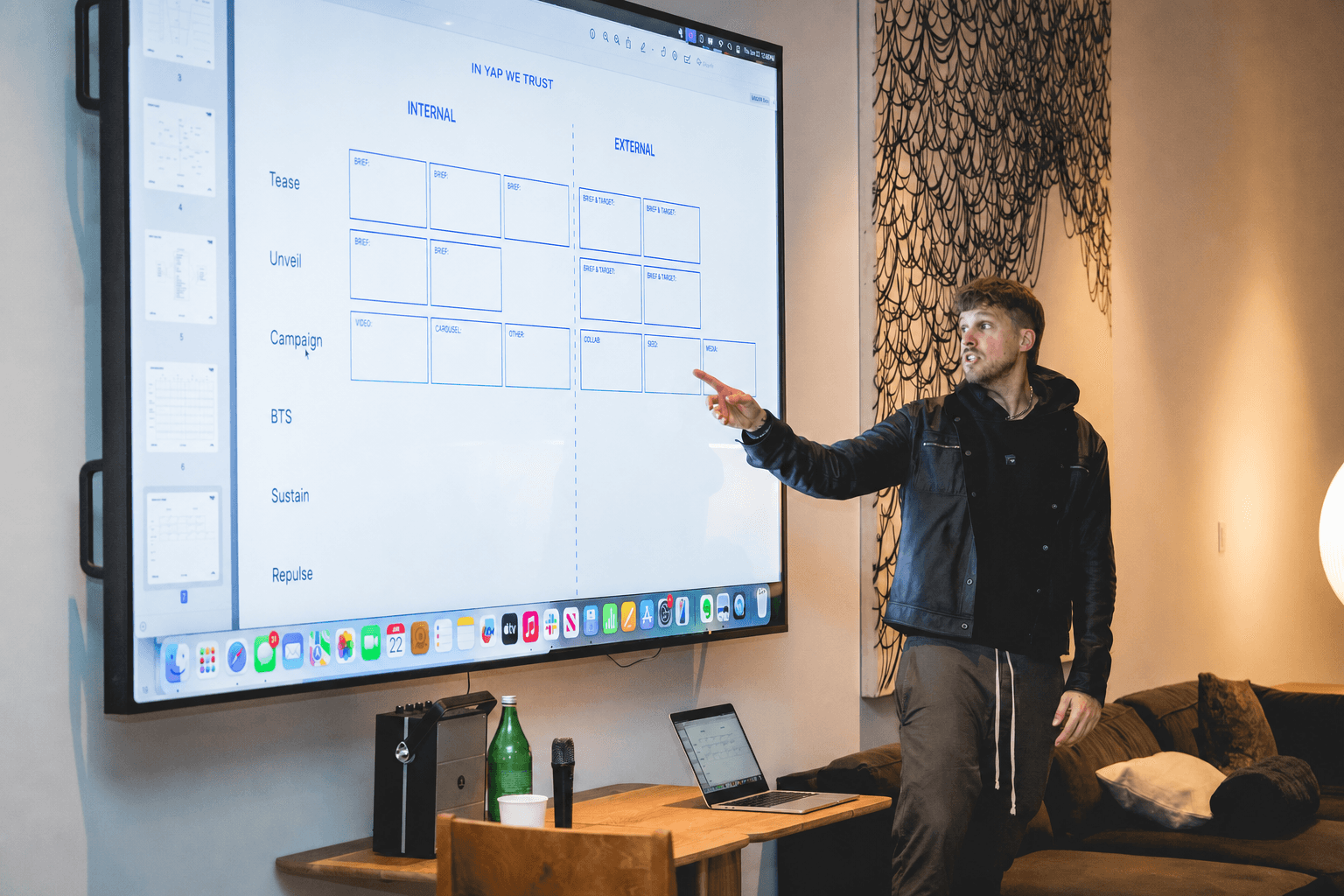
Learn how to make yapper videos and direct-to-camera content with an iPhone, a clear idea and a repeatable outline. Pick a format, map an idea and record today.
Twenty minutes on why yapping works, the formats worth knowing, and how to make the first recording easier.


 3 student yaps / 17.8M+ views
A yapper video, sometimes called a yap video or talking-head video, is direct-to-camera communication: one person, one useful idea and enough structure to carry a viewer from the opening claim to the takeaway. The production barrier is low, but the communication practice is real.
Making hundreds of videos forces you to clarify the message, anticipate objections and explain an idea in an order another person can follow. The audience and business upside matter, but becoming a sharper communicator is the compounding benefit.
Decide what you believe, why it matters and what should change in the viewer’s mind by the end.
Name the hesitation your audience already has, then address it before it becomes a reason to scroll away.
Each recording gives you another attempt at pacing, clarity, confidence and saying the useful thing sooner.
Sit down, point an iPhone at yourself, and add captions. This is the cleanest place to start.
More candid and closer to FaceTime. Save it until you have reps because the environment adds variables.
Layer images or clips over your footage to hold attention. At full production pace, aim for a new visual about every two seconds.
Use a notebook or whiteboard as your scene partner, then point to the notes and frameworks as you explain them.
A walking or car yap feels immediate because the setting resembles a conversation, not a studio. That looseness can help delivery, but it also introduces movement, noise and changing light. Build a few stationary reps before adding those variables.


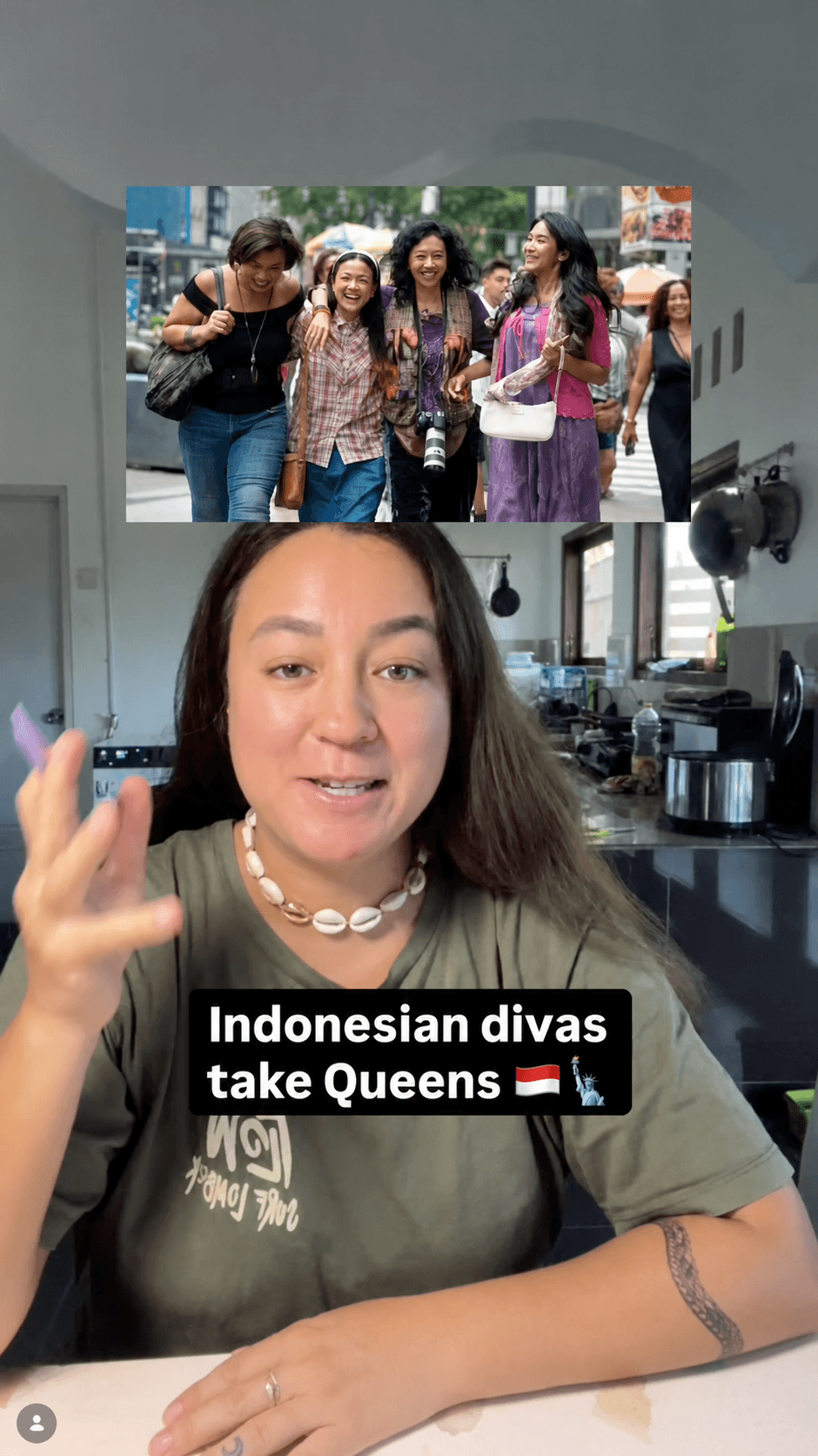
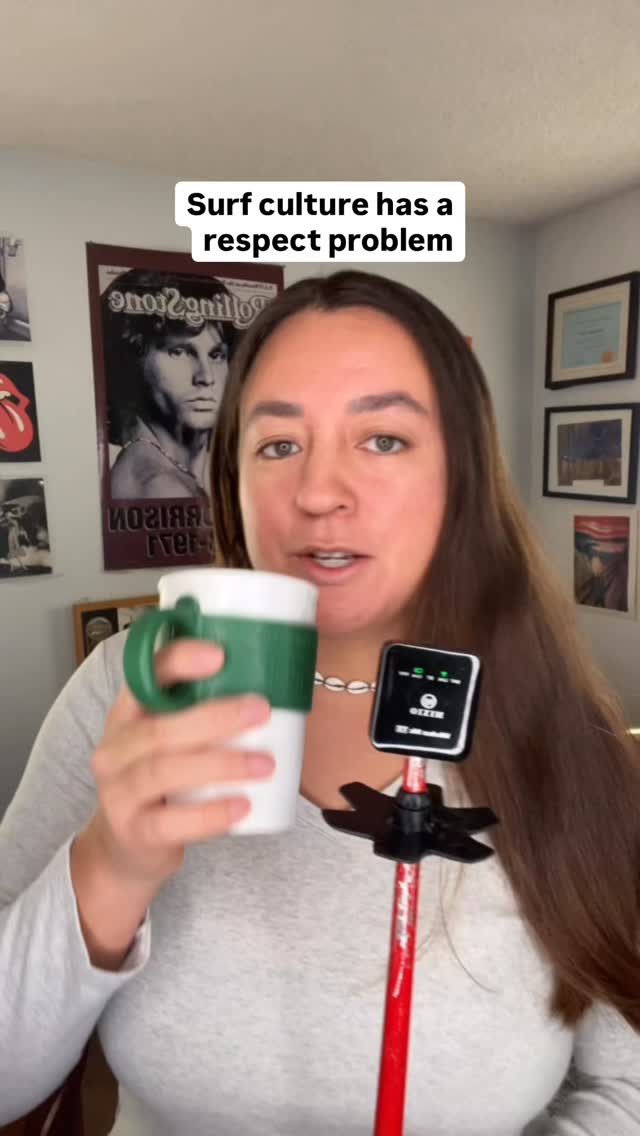

Keep your voice continuous, then layer images and clips around your talking head. Each visual should clarify the point, prove the claim, or reset attention.
Call something the best, worst, easiest or most overrated, then defend it with conviction. A clear position gives people a reason to keep watching and respond.
Try this: “The most overrated advice in my industry is…”
Open with the opinion, then quickly pivot into the useful breakdown that proves it. This keeps the attention of a strong hook without leaving the viewer with empty clickbait.
Try this: “Everyone tells you to do X. Here is what actually works…”
Share a relatable observation that makes the viewer recognize something from their own life. Naming a familiar feeling builds camaraderie quickly.
Try this: “Have you ever noticed that…”
Build a bit, critique or funny scenario around a truth your audience already recognizes. The joke works best when the underlying observation is specific and accurate.
Try this: “POV: the client says…”
Tell what happened as a narrative with a clear setup, turning point and takeaway. Stories hold attention because each beat creates a reason to hear what happened next.
Try this: “Yesterday, something happened that changed how I think about…”
A good talking-head script creates a path without scripting the personality out of the delivery. Start with a hook, know the sequence of your supporting points and leave enough space to sound like yourself.
Script the path, not every word. Read the outline once, look back at the camera and explain each beat in your own language. If a sentence feels difficult to remember, simplify the thought instead of rehearsing it harder.
Before you open the feed, spend a few minutes mapping what happened in your day. Capture prompts rather than polished scripts so observation becomes a daily habit instead of a blank-page event.
Make a yap map on a whiteboard or in Milanote.
Ideas and frustrations from your workday
Themes and events from your personal life
Responses to media you ingest
Shower and workout thoughts
“I like or dislike this and here’s why. I wish this were different, and here’s what I’d like instead.”
Choose one useful idea, open with a clear hook and explain it directly to the camera. Start with a stationary phone at eye level, use a short outline instead of a memorized script, add captions and record the opening again after you are warmed up.
A yap video is a direct-to-camera video built around one idea. It usually starts with a phone, simple captions and natural delivery instead of a large production setup.
Start with a standard yap: sit down, put your phone at eye level and explain one useful idea. It removes the extra variables that come with walking, driving or adding graphics.
Use an outline rather than memorizing every sentence. A hook, two or three supporting points and a clear ending provide structure while keeping the delivery conversational.
Start with your phone, a quiet place and enough light to see your face clearly. Captions help viewers follow along. Better equipment can come later after you build the habit.
For a graphic yap, add a new useful visual when the current image has done its job. A visual roughly every two seconds is a strong production target, but clarity matters more than hitting an exact count.
Write down questions from meetings, work frustrations, personal experiences, reactions to media and ideas that appear during quiet moments. Aim for three to five prompts each day, then attach a clear take to each one.
You will be warmer, clearer, and more natural than you were at the start of the session.
Explore the bootcamp